What automations are
How Acctally saves you time by deciding when, how, and what gets created — automatically.
Automation is how Acctally saves you time. Instead of manually recording every transaction, Acctally can watch for events and react to them — creating records, applying rules, and flagging issues without your involvement.
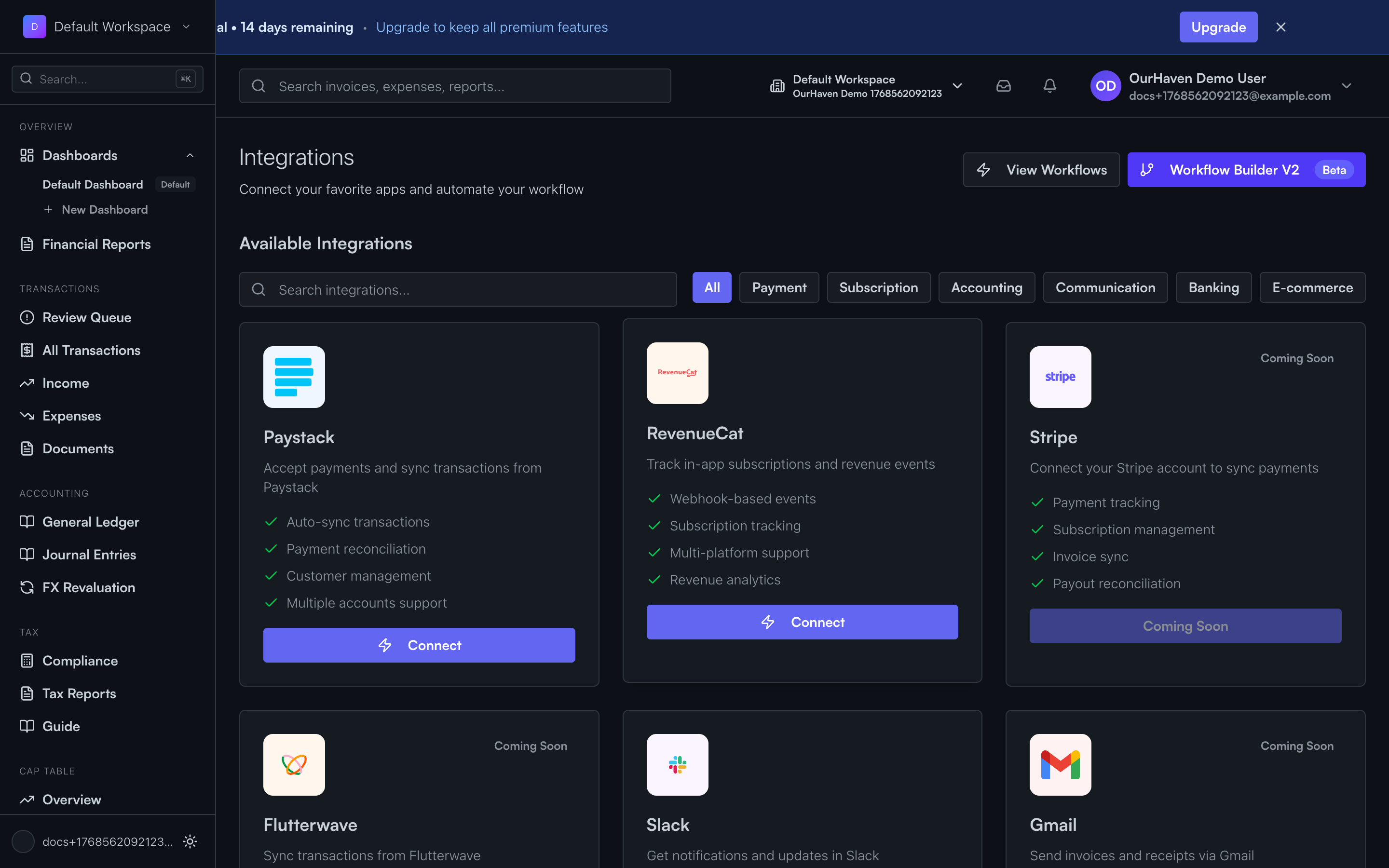
There are two parts to automation: Integrations (how data enters Acctally from outside) and Workflows (how Acctally reacts to that data).
Integrations (external triggers)
Integrations connect Acctally to your payment providers, banks, and other external systems. They're how money enters Acctally from outside.
Paystack
Automatically sync customer payments, refunds, and settlements
Stripe
Sync charges, payouts, and subscription payments
Bank connections
Import transactions directly from your bank account
CSV uploads
Bulk import from spreadsheets and exports
Workflows (internal logic)
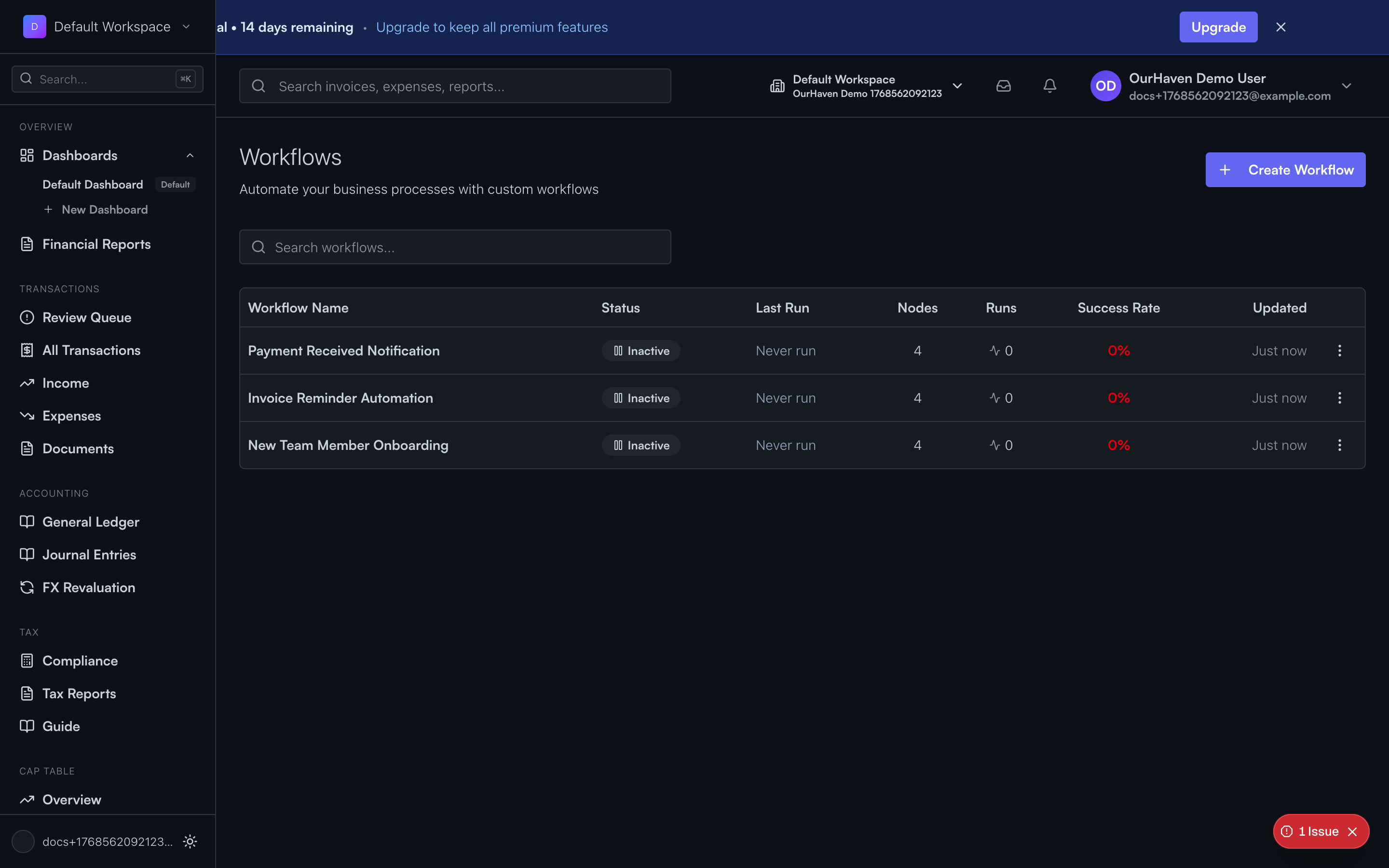
Workflows define how Acctally reacts to events. When something happens (a payment arrives, an import completes), workflows can automatically take action.
When customer payment arrives → create sale + update cash
Automatically record revenue when Paystack sends a payment
When amount > ₦100k → require attachment
Flag large transactions for review with supporting documents
When provider payout arrives → clear clearing account
Move money from Paystack clearing to bank automatically
When category is missing → send to review
Ensure all transactions are properly categorized
Key insight: Workflows don't require integrations. You can use workflows with manually entered transactions or imported data — they work with any data in Acctally.
Why this matters
Without automation:
- You manually check Paystack for new payments
- You copy amounts into Acctally
- You remember to record provider fees
- You track settlements separately
With automation:
- Payments appear automatically
- Categories are applied based on your rules
- Fees are recorded when settlements arrive
- You only handle exceptions in the Review Queue